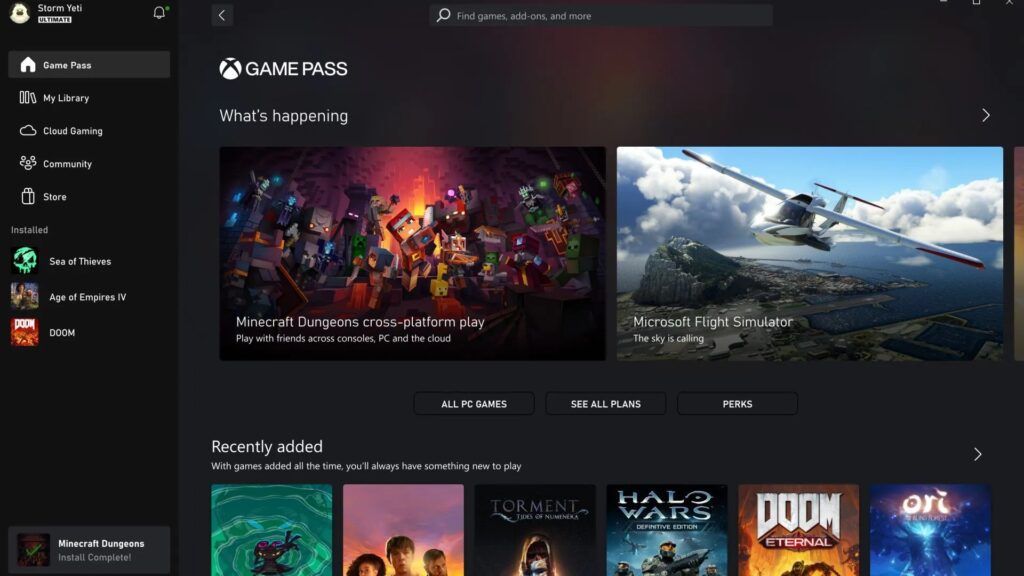
Xbox App for Windows PC allows you to discover new games, download them, play console games from cloud gaming on Windows PC and communicate with your friends via mobile and Xbox console. Below you’ll find the latest updates and patch notes for the Xbox App on PC for January 2023 – this update is now available for download from the Store. Keep your app updated for any new improvements or bug fixes. Learn more about Xbox App for PC.
January Release (2301.1001.5.0).
The New UX
You can now see additional data in the sidebar, such as invitations pending and completion percentage.
Enhanced made to the ‘Coming Soon to Game Pass’ module on the Game Pass page.
It has been added a module that displays available EA Game Trials. This module will be displayed on your Home screen, but you can also find it in the EA Play hub within the app.
Bug fixes
We have changed the weight and size of certain fonts to improve readability on pages that are part of the game.
After installing a new game, an issue occurred where the install size was not correct.
Fixes a problem where certain devices wouldn’t load the Game Pass tab content.
Fixed a bug where your ‘Cloud Gaming Jump Back In’ list would infinitely load when on an ARM device.
Modified certain issues that could leave you stuck and now the app must be restarted.
Fixed several localization problems in Vietnam and the Philippines.
Problems Known
While using the ‘Desert’ high contrast theme, the ‘guide button’ and ‘show stream menu’ icons in the upper left corner of remote play will disappear. The issue does not occur with other high-contrast themes.