
Lost Ark Controller Guide – Shortcuts To Maximize Your MMO Experience

Traditionally MMOs are best played on mouse and keyboard, but Lost Ark isn’t a traditional game, is it? Before I get carried away, know you’ll probably have a better experience playing this isometric action RPG with classic inputs. Lost Ark, while not enjoyable, is easily played using a controller. I’d even argue combat feels best on a controller, despite the general awkwardness of navigating menus, inventories, and action bars on a gamepad.
Regardless of how you’re playing Lost Ark, tedium will soon set in if you don’t learn its many hotkeys and controller shortcuts. I created this Lost Ark controller guide to make your life easier.
Lost Ark is an official Xbox Controller Supporter, and the shortcuts are below to reflect this.
The basics
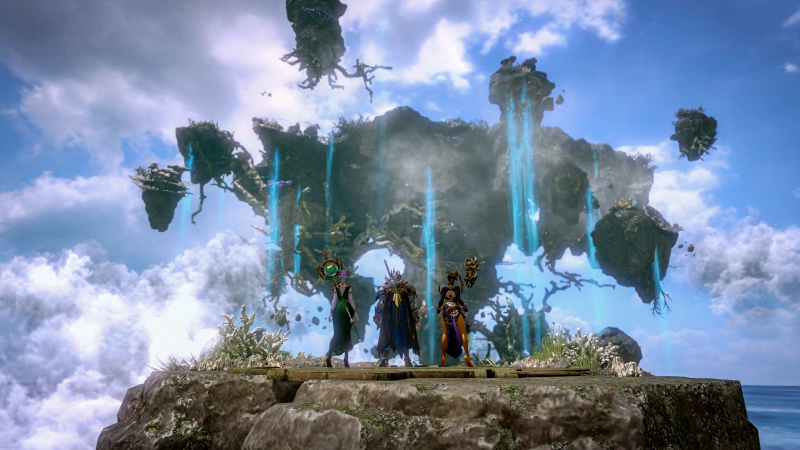
These are the basics:
Moving – Left Stick
Interact/Progress Dialogue – L3
Mouse Cursor – Right Stick
Interact / Items Pick up / Mouse Click – R3
Skip Cutscene – B Button
World Map – Back Button
Expand the Minimap – RB + Back Button
Menü – RB + Start Button
Profil of Character – LB + Start Button
Emotes – Right Dpad
Inventory – Left Dpad
Sheet Music (Fast Travel & Buffs), Etc. – Dpad up
Push-to-Talk – Down Dpad
Combat Skills
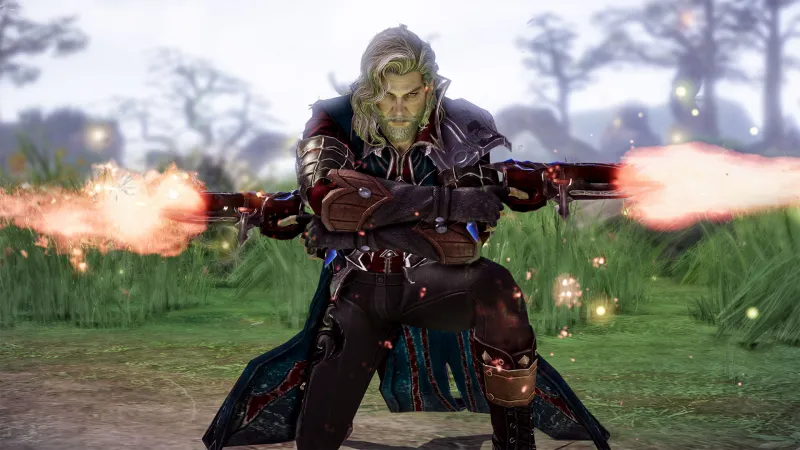
Combat skills
Dodge Roll – A Button
Basic Treatment – X Button
Ultimate Skill 1 – Y Button
Ultimate Skill 2. – B Button
Combat Skill 1 – Left Bumper + X
Combat Skill 2 – Left Bumper + Y
Combat Skill 3 – Left Bumper + B
Combat Skill 4 – Left Bumper + A
Combat Skill 5 – Left Trigger + X
Combat Skill 6 – Left Trigger + Y
Combat Skill 7 – Left Trigger + B
Combat Skill 8 – Left Trigger + A
Guild Skill 1 – Left Bumper + Left Dpad
Guild Skill 2 – Left Bumper + Up Dpad
Guild Skill 3 – Left Bumper + Right Dpad
Guild Skill 4. – Left Bumper + Down Dpad
Guild Skill 5. – Left Trigger + Left Dpad
Awakening Skill – Left Bumper + Left Trigger + X
Control Companion – Left Trigger + R3
Sail Controls

Navigation Controls
Ship Horn – X Button
Speed Sailing – A Button
Docking Mode – Y Button
Autosailing – B Button
Mount Skills
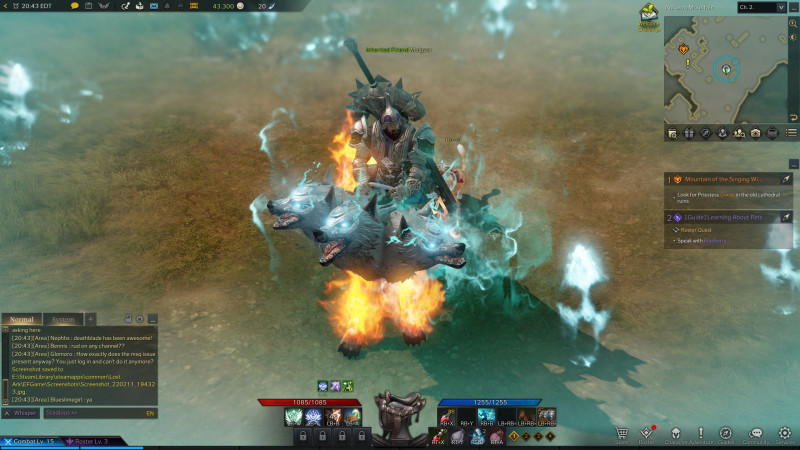
The Mount Skill
Mount skills are one of my favourite things about Lost Ark. There might be multiple effects that you can show off when riding the mount. This depends on how rare it is. For example, my legendary three-headed Cerberus (included in the Platinum Founder’s Pack) has three mount skills: Frontal Security, Unlocked, and Detect Souls.
Speed Boost – A Button (Press Twice To Double Jump)
Mount Skill 1. – Left Bumper + X
Mount Skill 2. – Left Bumper + Y
Mount Skill 3 – Left Bumper + B
Dismount – Left Bumper + A
Item pages with Battle Items and Custom Slots
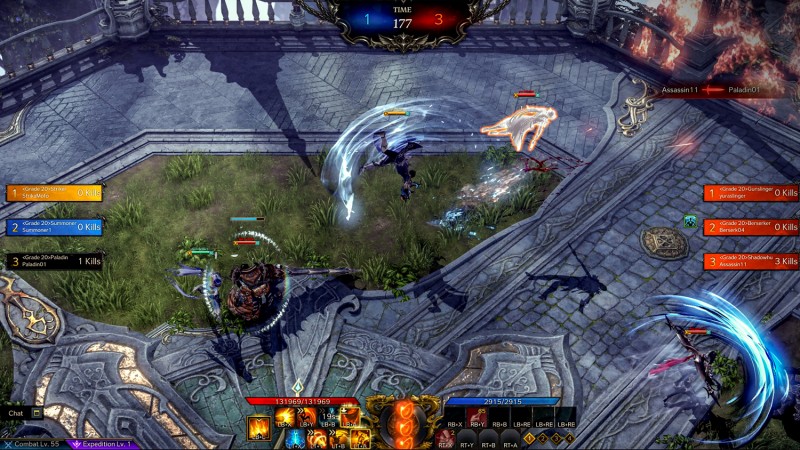
Item pages: Battle items, Custom Slots and Battle Items
The two right-sided action bars house battle items and customizable item slots. By default, the upper bar is empty. However, it’s possible to drag and drop heal potions, foods, emotes and sheet music into any space. In the bottom bar, you will find items such as shield potions or more health potions. Flash grenades and other battle standard are also available. You can also swap between the four preset pages on-the-fly.
Item Preset 1 – Right Bumper + Right Trigger + Left Dpad
Item Preset 2 – Right Bumper + Right Trigger + Up Dpad
Item Preset 3 – Right Bumper + Right Trigger + Right Dpad
Item Preset 4 – Right Bumper + Right Trigger + Down Dpad
1. Custom Slot – Right Bumper + X
2. Custom Slot – Right Bumper + Y
3-D Custom Slot – Right Bumper + B
Slot Custom 4 – Left Bumper + Right Bumper + X
Custom Slot 5 – Left Bumper + Right Bumper + Y
6-Custom Slot – Left Bumper + Right Bumper + B
Battle Item 1. – Right Trigger + X
Battle Item 2 – Right Trigger + Y
Battle Item 3 – Right Trigger + B
Battle Item 4. – Right Trigger + A
Quest Items

Quest-Specific Items:
This is not a lie. While I don’t have a quest that requires me to use specific items yet, these keybindings were listed in the Lost Ark settings.
Quest Item 1. – Right Bumper + Left Dpad
Quest Item 2. – Right Bumper + Up Dpad
Quest Item 3 – Right Bumper + Right Dpad
Quest Item 4 – Right Bumper + Down Dpad
Quest Item 5. – Right Trigger + Left Dpad
Quest Item 6 – Right Trigger + Up Dpad
Quest Item 7. – Right Trigger + Right Dpad
Quest Item 8. – Right Trigger + Down Dpad
This guide will help you get started on your Lost Ark adventure. If you’re looking for more content covering the new action-focused MMO, be sure to read our Lost Ark review impressions and watch our weekend streams for the chance to earn awesome Twitch drops.
#Lost #Ark #Controller #Guide #Shortcuts #Maximize #MMO #Experience




